Opening notes#
Reading foreign-language papers can feel like gnawing on hard bones: dense terminology, interdisciplinary figures, and long method sections can drain your energy. Multimodal models such as GPT-4o, Gemini 2.5 Pro, and Claude 4 now support synchronized vision-and-text reasoning, so they can summarize sections and interpret complex figures.
NVIDIA CEO Jensen Huang has publicly said that he uses AI to help read research papers, and the efficiency gain is larger than many people realize.
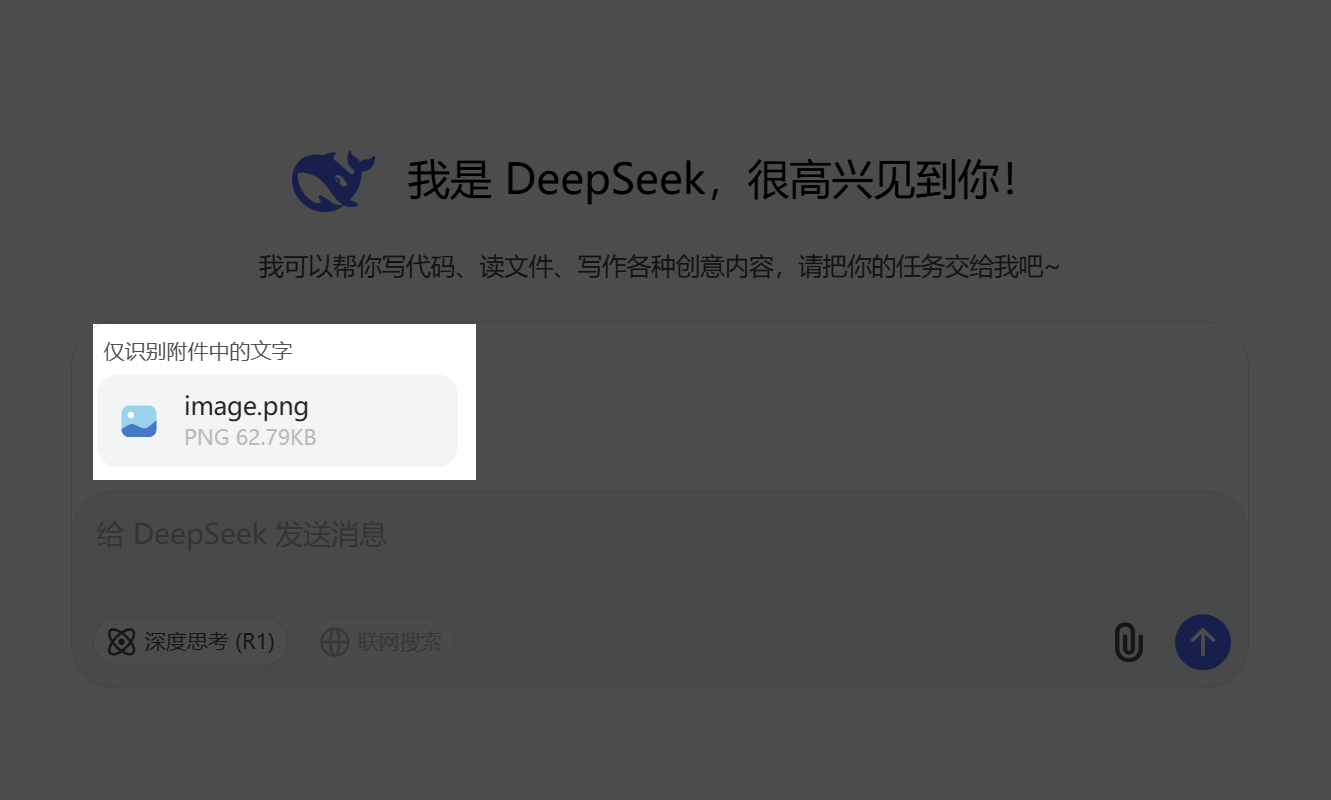
Cost tip: Prefer the official web interface over API calls when possible. Drag-and-drop PDF upload is easier and often cheaper. Model choice: DeepSeek-V3 and DeepSeek-R1 are strong text models, but the official chat interface still lacks native vision support. They may struggle with formula screenshots or complex figures until visual capabilities are integrated.
This post packages three reusable AI paper-reading prompts:
- System prompt — defines the assistant role and interaction flow.
- Literature framework prompt — generates an outline in one step.
- Deep-reading notes prompt — outputs six modules of structured notes.
Copy and paste them to let the AI complete the loop of structure extraction, summary, deep reading, interactive Q&A, and related-work exploration.
How to use#
- Send the system prompt. Copy the entire system prompt below and let the AI enter paper-companion mode.
- Upload the PDF. Drag and drop the file. If the paper is large, upload screenshots or sections.
- Read by demand. Ask for “Abstract”, “Figure 2”, a statistic explanation, or any specific passage.
- Call the outline or deep-reading prompt. Once the AI has read the paper, send the framework or notes prompt to generate Markdown output that can later be imported into XMind or another mind-map tool.
- Dig deeper or compare. Ask for recent related work after 2024 and request a comparison. ChatGPT models can use built-in web retrieval by default; other models may need manual web-search enabling or plugins.
Prompt 1: system prompt#
This prompt constrains the AI’s role, responsibilities, and safety boundary so later answers stay grounded in the uploaded paper.
Prompt 2: literature framework summary#
This prompt is suitable for quickly understanding the whole paper structure, writing a proposal, or preparing slides.
Prompt 3: deep-reading notes#
This prompt builds on the framework and generates notes suitable for a paper reading report or group meeting. The six sections are research overview, methods, content, conclusions, innovations, and implications.
Closing#
With these three prompts, you can map a paper in about 10 minutes, build deep-reading notes in about 30 minutes, and ask the AI to interpret figures, formulas, or related work at any time. Next time you face a thick journal article, let AI accompany the reading and spend your energy on critical thinking and original research.
Screenshots and media#
Preserved command, configuration, and prompt blocks#
| |
| |