Opening notes#
In previous posts I introduced PDFMathTranslate and Zotero-pdf2zh in detail:
- PDFMathTranslate: common problems and practical solutions
- Zotero-pdf2zh: configure pdf2zh for Zotero literature translation
The tool supports custom prompts. I wrote a general-purpose prompt that has worked in my daily translation workflow, and I am sharing it here. If you run into issues, feel free to discuss them in the comments.
- Project repositories
- PDFMathTranslate: https://github.com/Byaidu/PDFMathTranslate
- Zotero-pdf2zh: https://github.com/guaguastandup/zotero-pdf2zh
Notes:
- Token cost
- Using a custom prompt with a large model will significantly increase token consumption and total cost.
- Example prices: GPT-4o Mini at about $0.01 / 1K tokens, GPT-4 at about $0.03 / 1K tokens, and GPT-3.5 Turbo at about $0.002 / 1K tokens.
- Non-English languages often use roughly 30%–50% more tokens because of encoding differences.
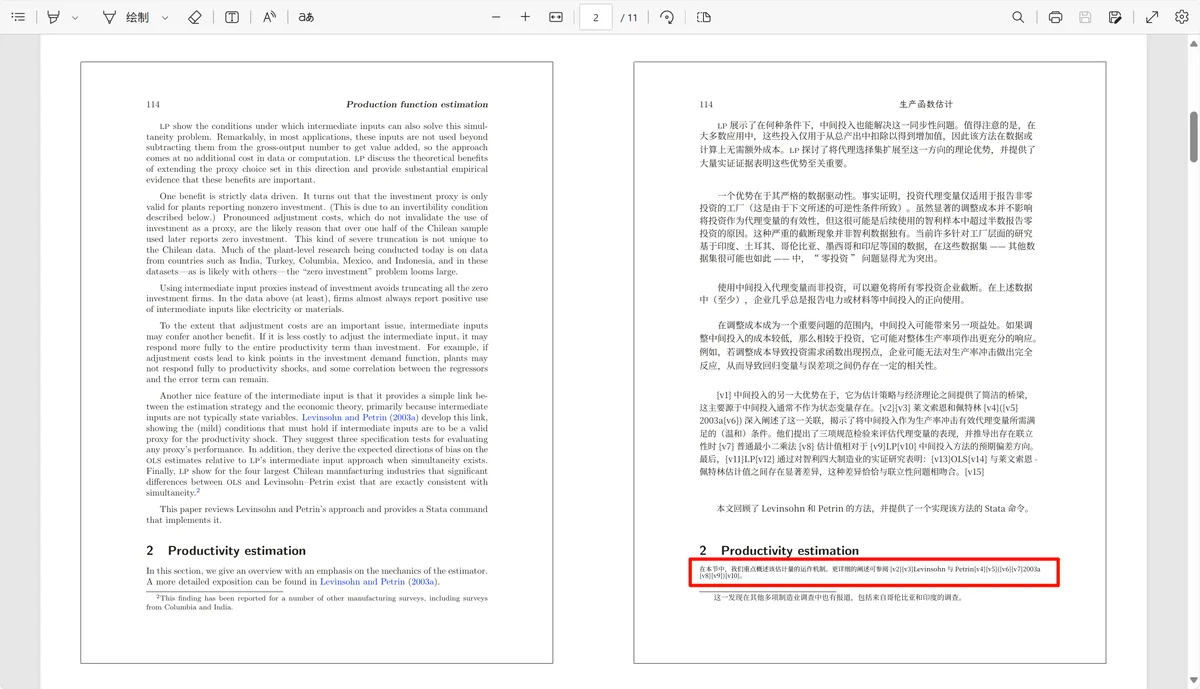
- A custom prompt may increase the risk of translated text overlapping or duplicating the original text, especially in complex-layout or OCR scenarios.
- BabelDOC status
- For 1.x, enabling BabelDOC is not recommended.
- pdf2zh 2.0 was rewritten around BabelDOC and enables it by default with better compatibility.
Usage steps#
1. GUI#
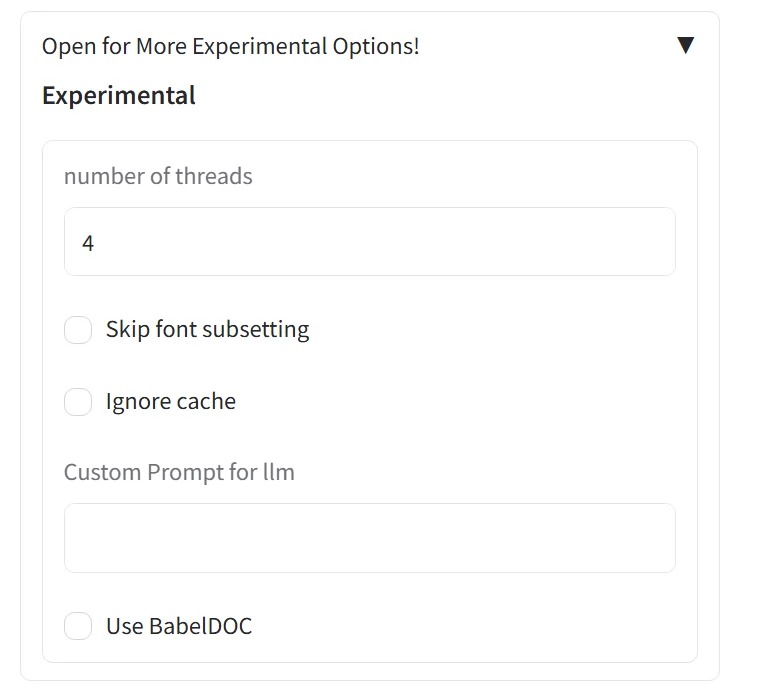
Run the GUI, choose a model translation service, click Open for More Experimental Options!, paste the prompt into Custom Prompt for llm, and save.
2. Command line#
Save the prompt as prompt.txt, then run pdf2zh example.pdf --prompt prompt.txt. Use an absolute path if necessary.
3. Zotero for pdf2zh#
Download the latest server.py, find the cmd = [ ... ] list, and add a --prompt argument after the config path. Put prompt.txt in the same folder as server.py, or adjust the path.
BabelDOC#
BabelDOC is an open-source PDF document translation tool with CLI and Python APIs. It uses layout-preservation techniques to keep original page structure, formulas, and figures during translation.
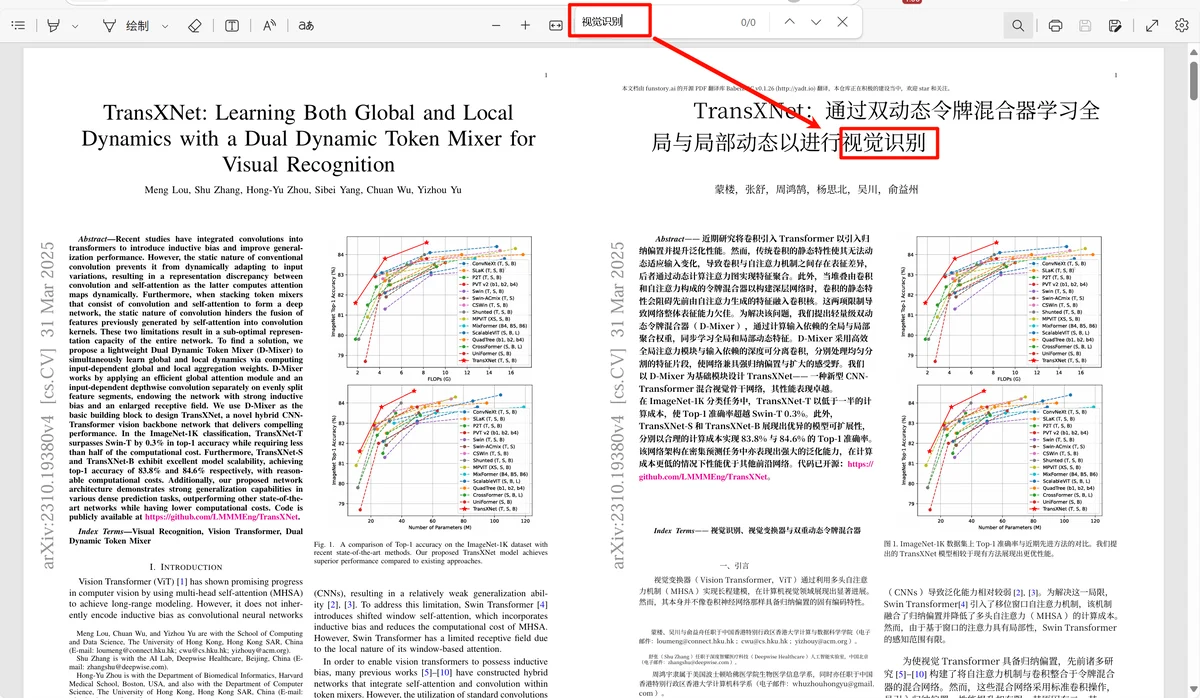
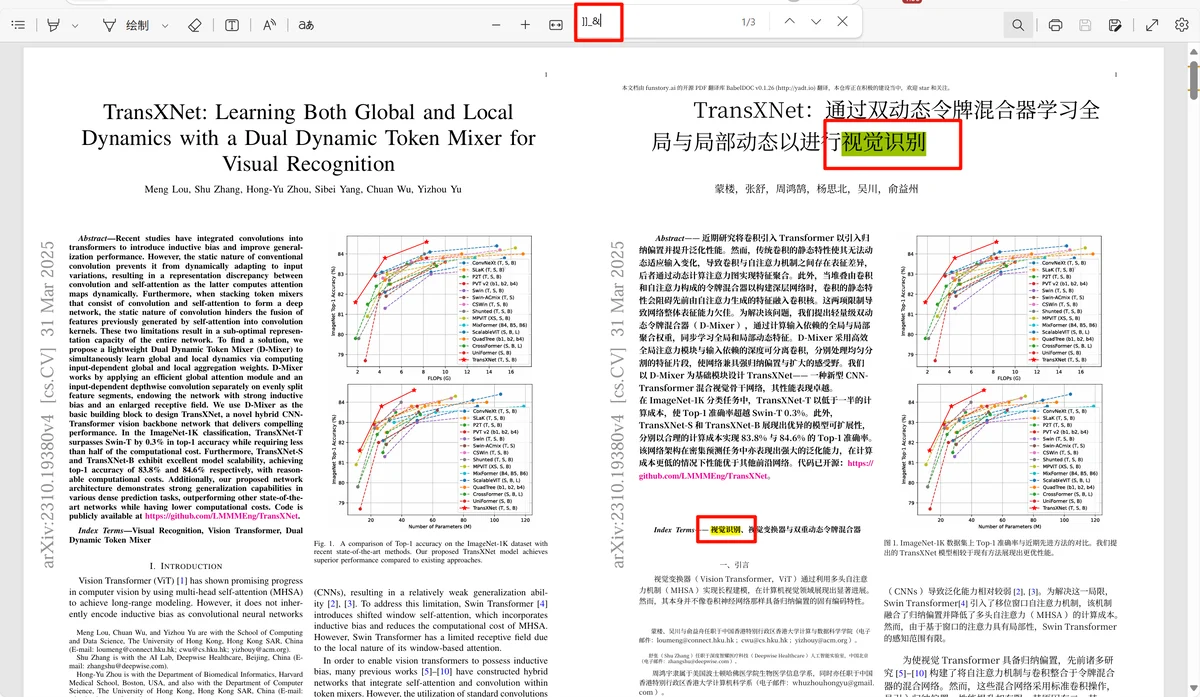
For current use, my preference is: keep BabelDOC off for 1.x and leave it alone for 2.0, because 2.0 enables it by default. BabelDOC often produces better layouts, but translated Chinese copied from PDFs can become ASCII-encoded and hard to search. If that happens, open the output in a different PDF reader. Large models may also output abnormal formats such as bolded terms or numbered variable fragments; a stronger model such as DeepSeek-V3 can reduce this.
Prompt#
For pdf2zh 1.x, use the long academic-translation prompt below. For pdf2zh 2.x, the custom prompt is simpler: you mainly customize the role. Replace [academic research] with a specific field such as [biomedical engineering] or [quantitative finance] when you need domain-specific terminology.
Closing#
PDFMathTranslate + custom prompts can be a powerful combination for PDF translation. I hope this helps you turn foreign-language PDFs into a readable native-language workflow while preserving the document itself. If you have questions, leave a comment and keep iterating the workflow together.
Screenshots and media#
Preserved command, configuration, and prompt blocks#
| |
| |
| |
| |
| |
| |