Before We Start#
After entering university, many students may not know what resources their school provides. Today, I will use Hubei University of Automotive Technology as an example to demonstrate a common way to check school resources.
Steps#
First, open the school’s official website, then log in to the school VPN or library page. Different schools may place resources under the school VPN, the library, or a dedicated webpage. Scroll down the page and you will see the list of resources provided by the school, as shown below: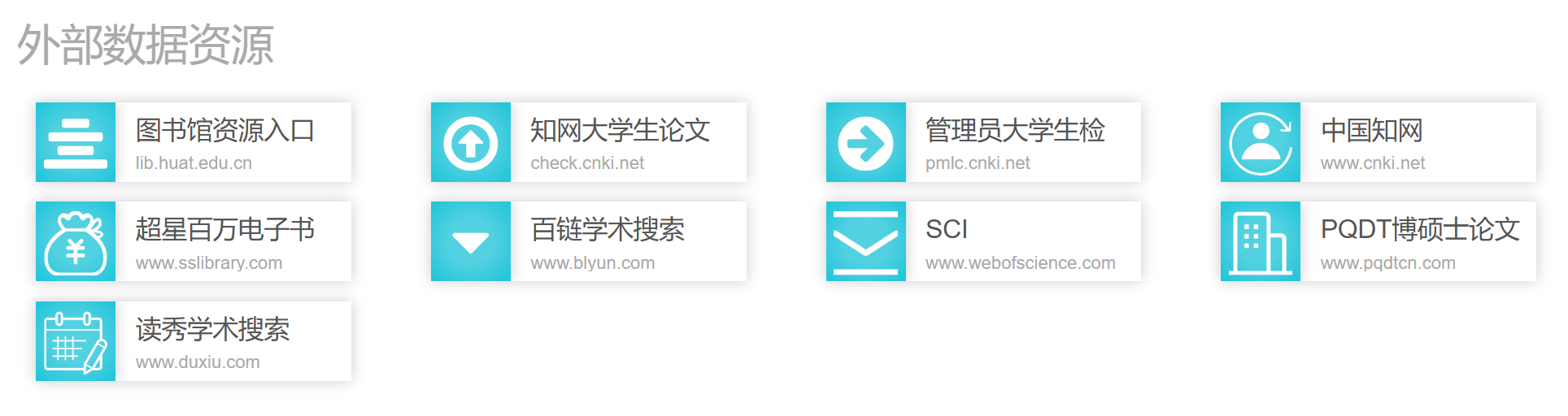
Click the corresponding resource directly to enter its login page.
Logging In on the Corresponding Resource Website#
If you cannot find your school’s resource portal, or if you prefer to log in directly on the resource website, you can also use the following method. The examples below use CNKI and SCI.
CNKI#
Open CNKI: CNKI.
Click “Institution Login” in the upper-right corner. Two options will appear: “Off-campus Access” and “IP Login.”
- IP Login: If you are on the campus network, choose this option directly.
- Off-campus Access: If you are not on the campus network, choose this option.
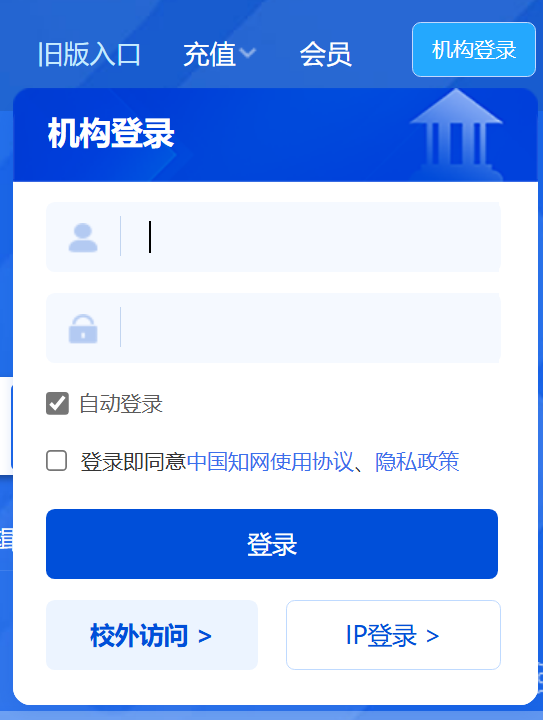
Taking “Off-campus Access” as an example, click it, search for your school name, and then click “Go.” In some cases, the system may ask you to log in to the school VPN again. Just enter your student number and password.
SCI#
Open the SCI website: ScienceDirect.
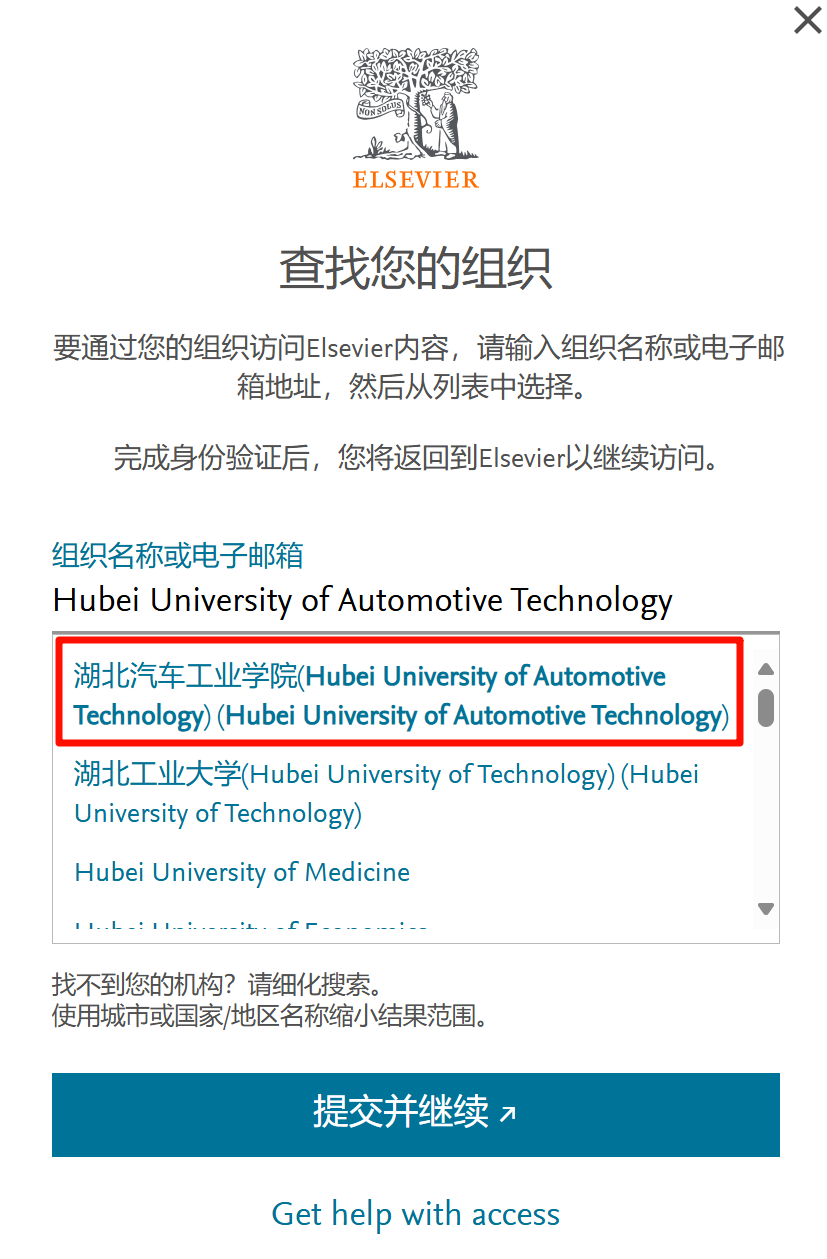
Click “My account” in the upper-right corner, then choose “Sign in via your organization.”
Note that you should enter the school’s English name, not its Chinese name. You can confirm the English name through Baidu or another search engine. For example, the English name of Hubei University of Automotive Technology is “Hubei University of Automotive Technology.”
After selecting the corresponding option, log in to the campus VPN once more.